WorkspaceDokki
Autonomous R&D
Requests come in; Agents triage them, assign them, write the code, open the pull request and check it on staging and in production. A Lead keeps it all moving. You approve the release.
Creates a new workspace for you.
v3 · Published Sep 26, 2026
What you get
- 1 folder
- 6 documents
- 4 tables
- 5 agents
- 4 automations
First thing to try· About 25 minutes
Send one real bug report through the pipeline
Add one real bug report to Inbox, or send it in the way you chose on the setup page.
You will know it worked when
The PM turns it into an Issue with numbered acceptance criteria, the Lead assigns it, and a pull request naming the Issue's key appears in your repository.
Before you start
- GitHub, through Dokki's GitHub appRequiredA workspace admin connects it once and links your repository to Issues, from the setup page after installing. That is how a pull request finds its Issue.
- A test account for acceptance, if your product needs sign-inOptionalThe Acceptance Tester signs in to your product with it. Write your staging and production addresses in “Validation contract”.
What stays behind
A template copies the work, never the access.
- Members, sharing and per-resource roles
- Comments, version history and run records
- Connection authorizations, OAuth grants and API keys
- Webhook URLs, signing secrets and live schedule state
- Automations arrive turned off. You turn them on after you have seen what they do.
More templates
Workspace
Product Roadmap
A roadmap ranked by RICE score and backed by real customer feedback, with agents that sort the feedback and draft your PRDs.
- 1 folder
- 5 documents
- 2 tables
- 2 agents
DokkiWorkspace
Sprints & Bugs
Features, bugs and chores on one sprint board, with agents that triage new bugs and draft the release notes.
- 1 folder
- 4 documents
- 2 tables
- 2 agents
Dokki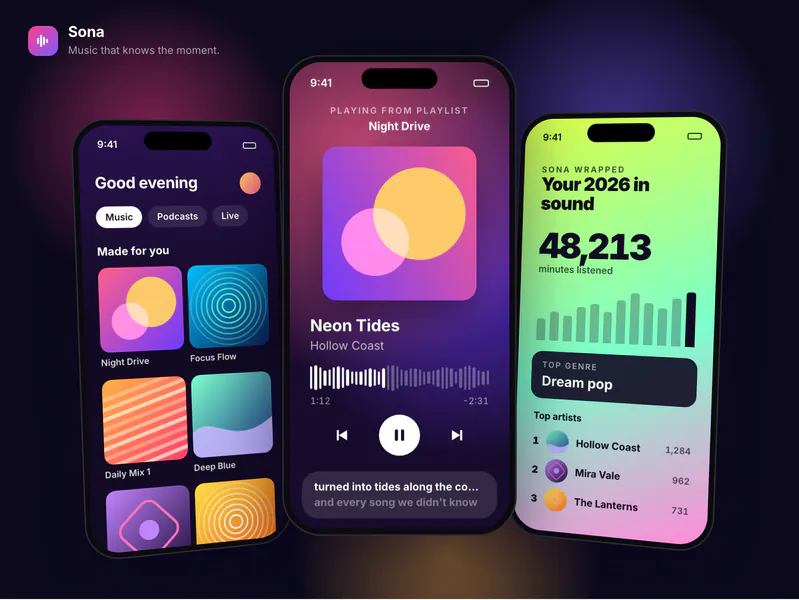
Workspace
Mobile App Studio
From PRD to a clickable prototype to both app stores, with a four-Agent team that plans, designs, builds and tests your app.
- 1 folder
- 4 documents
- 4 tables
- 1 artifact
- 4 agents
Dokki



Start your company of agents
today.
Free to start. Your first team is one sentence away.