WorkspaceDokki
Design System Framework
One place for your team's design rules: DESIGN.md, tokens, component pages, brand, web pages, charts and reports, and the rules AI follows, in a ready structure. Put your component library's real rules in, and people and AI read the same copy.
Creates a new workspace for you.
v1 · Published Sep 26, 2026
What you get
- 7 folders
- 20 documents
- 5 tables
- 1 artifact
- 1 agent
First thing to try· About 30 minutes
Put your component library's rules in
Follow the three steps in Start here: fill the Tokens table with your component library's real colours, radii and type sizes under the same names as in code; rewrite DESIGN.md's Overview and principles and Do's and don'ts; then add your first component from the component page template.
You will know it worked when
The Tokens table holds your team's real values, and a page made in this workspace uses them.
Before you start
Nothing to connect.
What stays behind
A template copies the work, never the access.
- Members, sharing and per-resource roles
- Comments, version history and run records
- Connection authorizations, OAuth grants and API keys
- Webhook URLs, signing secrets and live schedule state
More templates
Workspace
Brand System
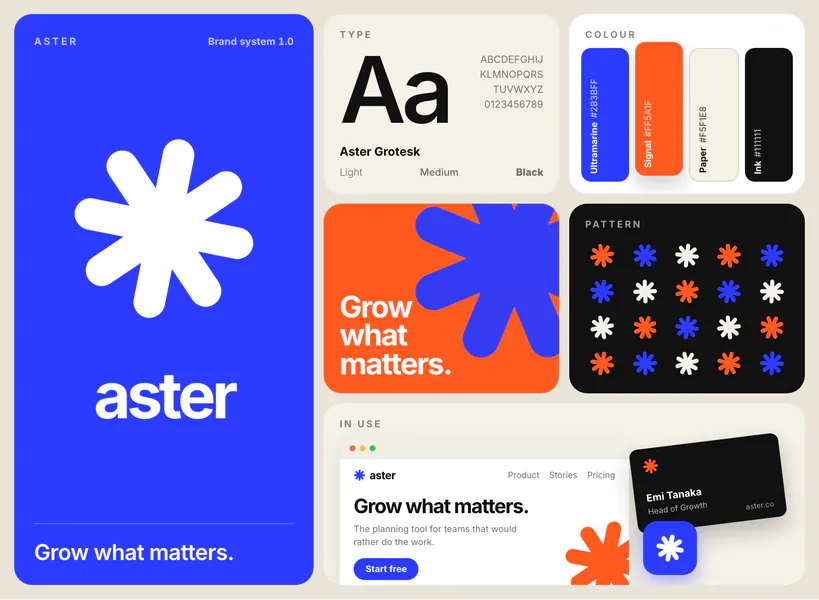
A complete brand system, from strategy and voice to logo, colour and type, with a brand board that redraws from your tables and agents that build and guard it.
- 1 folder
- 4 documents
- 4 tables
- 1 artifact
- 3 agents
Dokki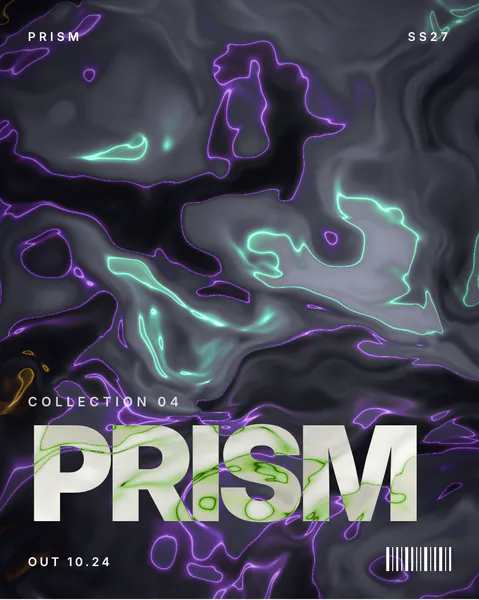
Workspace
Campaign Key Visual
One campaign key visual taken to every size it runs in: three directions, a master, and a board that draws a correctly proportioned frame for each size you track.
- 4 documents
- 3 tables
- 1 artifact
- 4 agents
DokkiWorkspace
Design System Framework (with sample)
The same design system framework, filled in for Lumio, a fictional project collaboration tool, so you see what a finished system looks like before you replace it with yours.
- 9 folders
- 37 documents
- 7 tables
- 20 artifacts
- 7 files
- 1 agent
Dokki


Start your company of agents
today.
Free to start. Your first team is one sentence away.